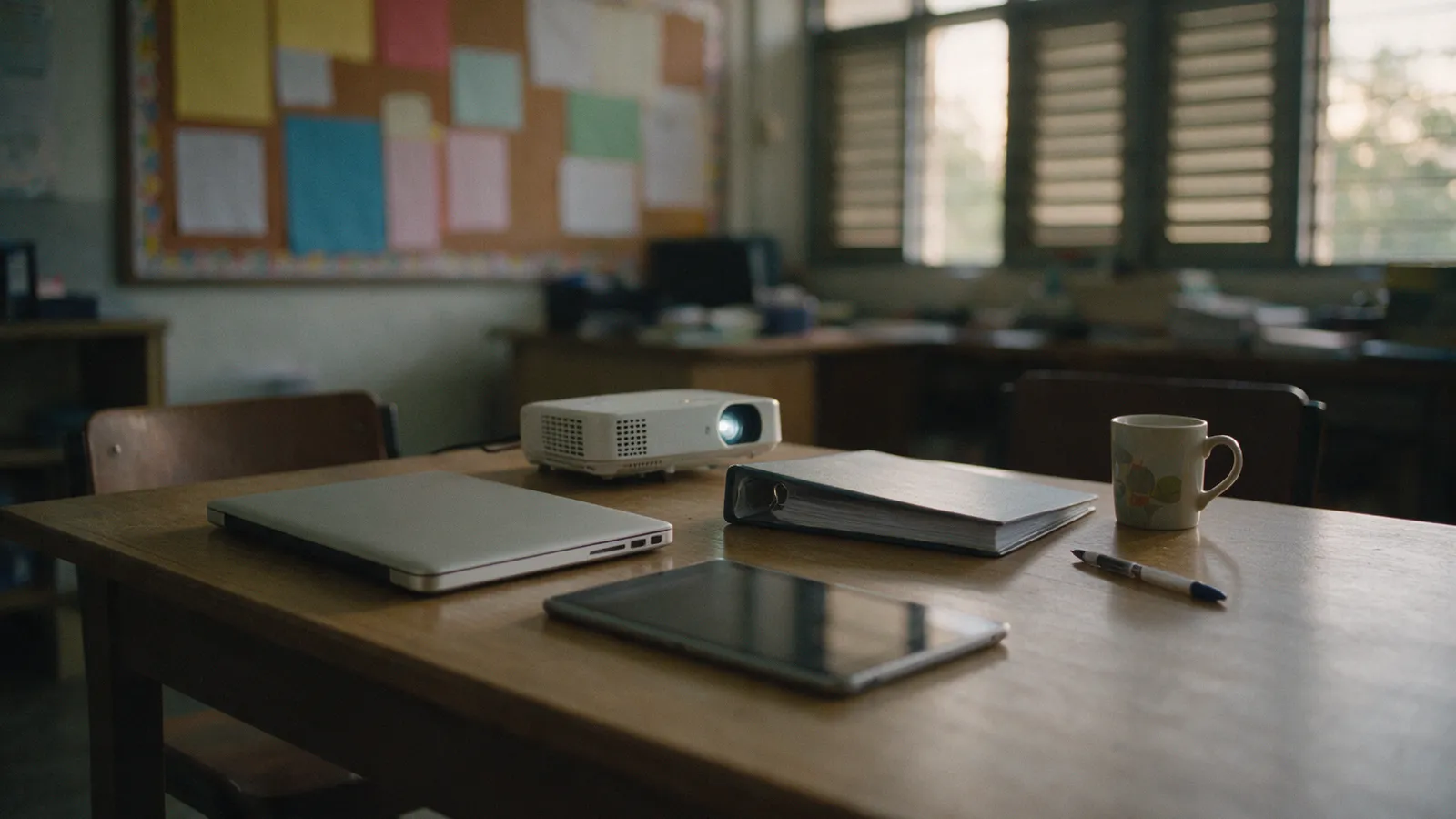
School budget
School technology budget planning: what to include
Plan all four lines together, record every renewal and warranty date, and set the plan before the budget cycle starts.
Insights
ES Producation Groups Berhad publishes classroom guides for the educators and institutions it serves, starting with classroom displays: how big a classroom projector image should be, whether one projector can be shared between classrooms, how long a classroom projector lasts, whether a projector or a TV suits a classroom, whether the whiteboard can serve as the projector's screen, and how to plan a school technology budget across hardware, software, support and payment. Neon+’s figures in them are attributed to Neon+ (ES Producation Sdn Bhd), as published; figures from other makers and sources are attributed to them.
Published by ES Producation Groups Berhad
01
Practical guides for the educators and institutions ES Producation Groups Berhad serves, starting with choosing, sizing, sharing and keeping a projector in a school classroom.
Plan all four lines together, record every renewal and warranty date, and set the plan before the budget cycle starts.
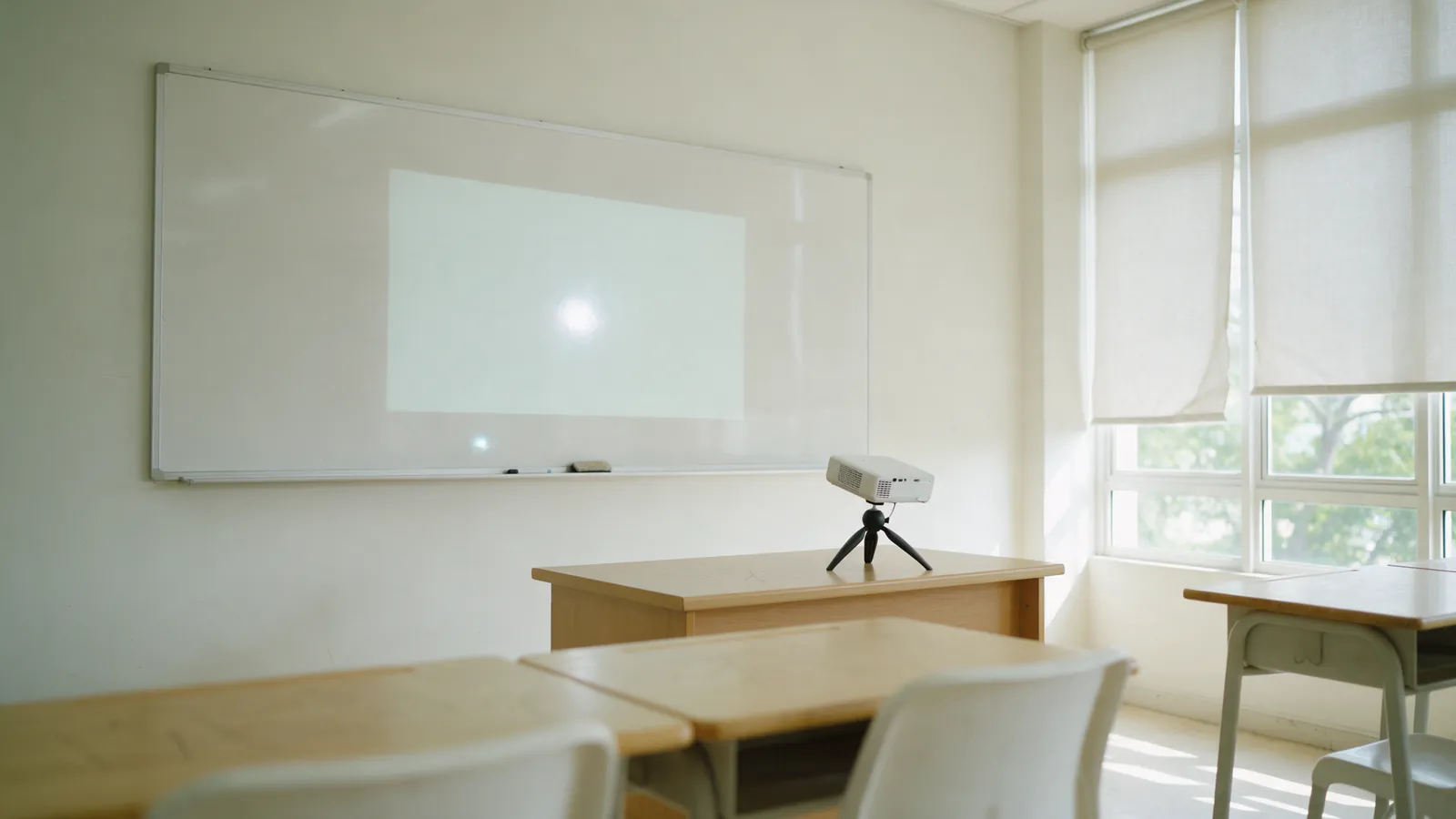
A glossy board throws back a hot spot, a blurred reflection of the projector's lens, that moves as pupils change seats.
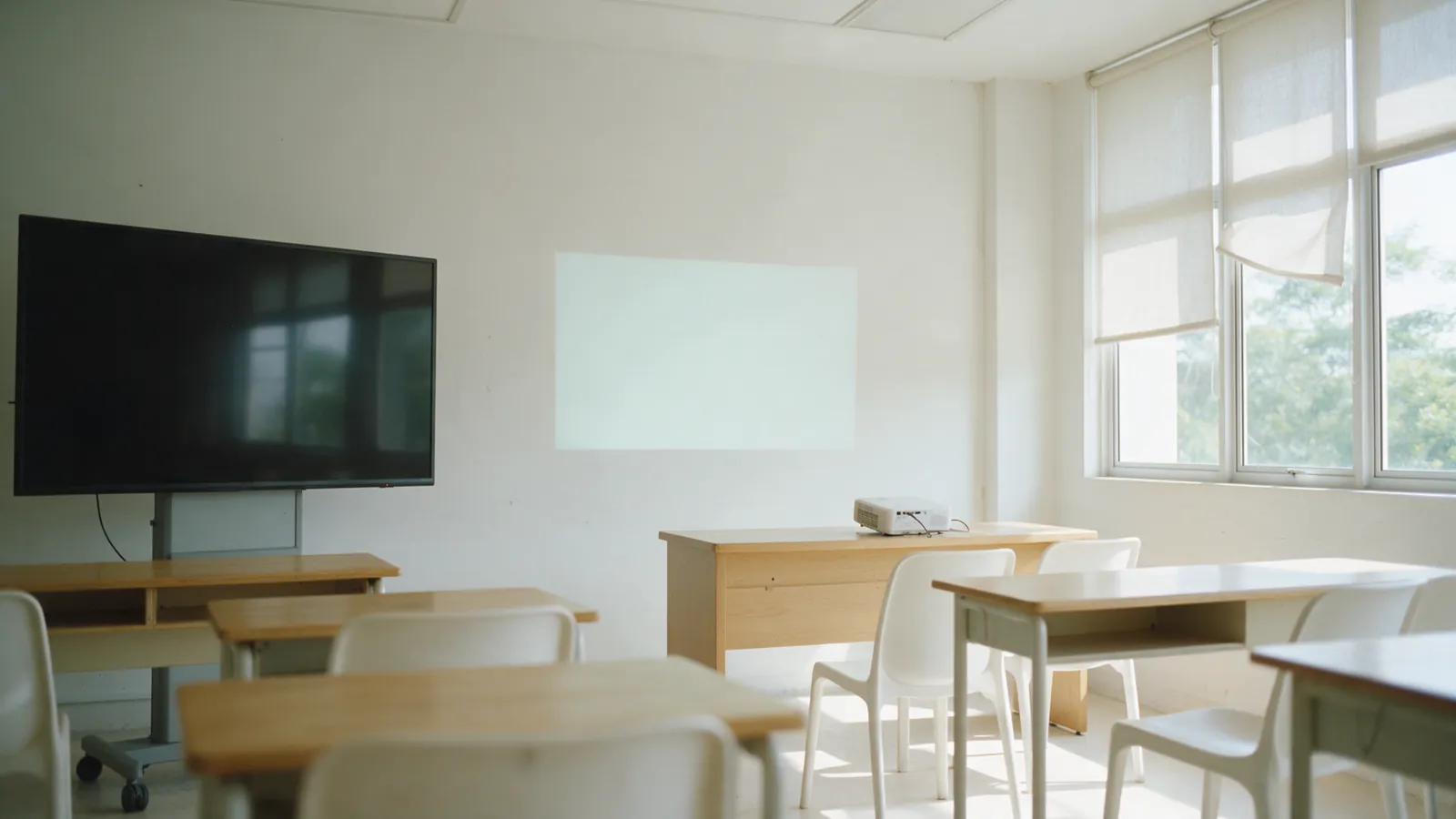
A projector suits a classroom whose back row sits too far away for a flat panel, or whose display has to move between rooms; a TV suits a small, permanently bright room.
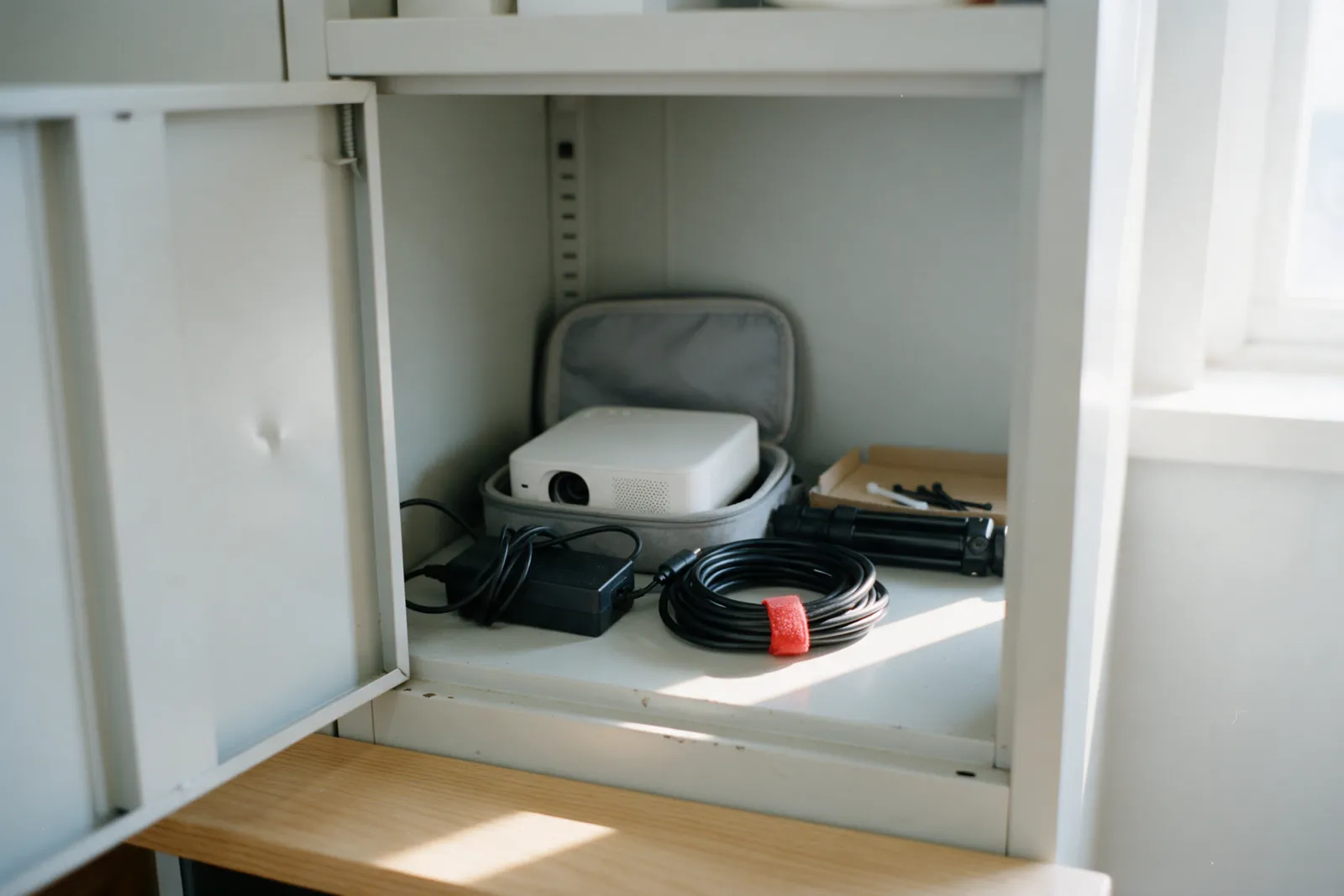
A classroom projector lasts longer than most schools keep one; in a classroom, the adapter, the cables and the room decide its service life.
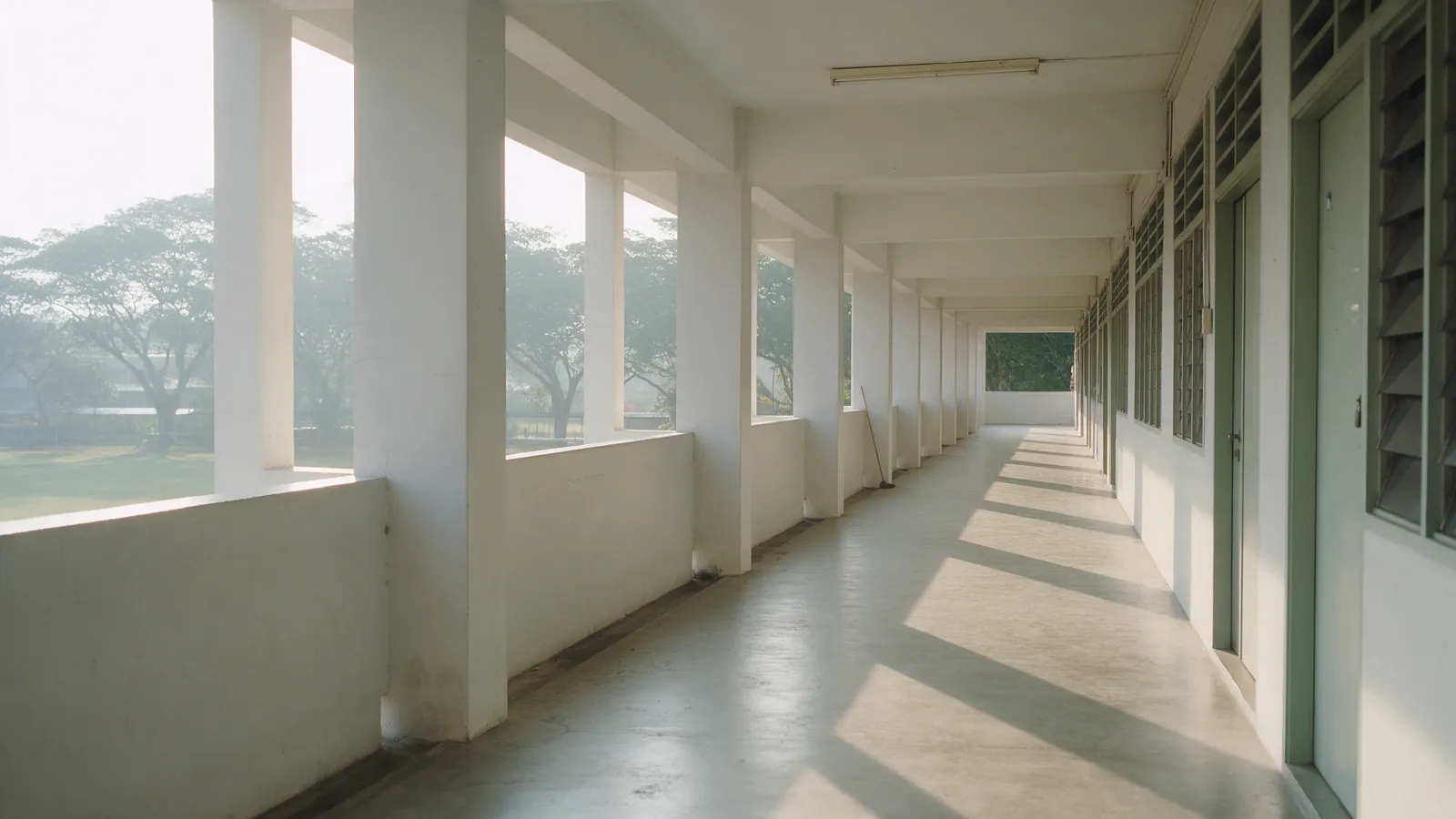
One portable projector can be shared between classrooms; what decides whether it works is setup time per classroom rather than the projector.
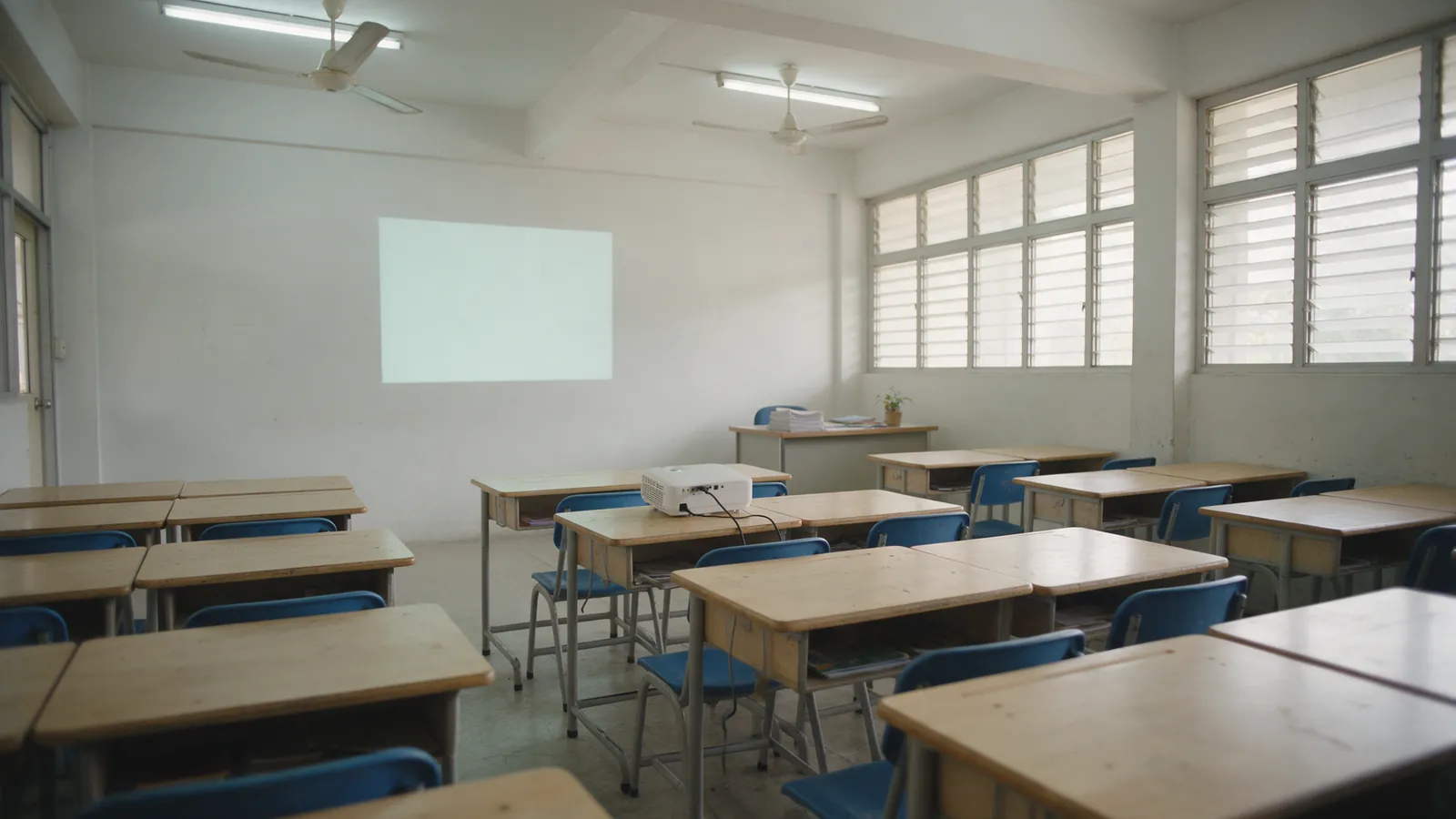
A classroom projector image should be sized by its height, not its diagonal, working back from the farthest student’s seat.
Planning displays for a school? Tell the group which rooms, and we will put you in touch with the right company.WhatsApp the group about classroom displays
02
Neon+, Easy Edu and Citzen publish guides on their own sites.
Guides on the companies’ own sites
| Company | What its guides cover | Where |
|---|---|---|
| Neon+ | Choosing, setting up and owning a portable projector | neonplus.com.my/blog |
| Easy Edu | School platforms, records and parent information | easyedu.com.my/insights.html |
| Citzen | Laptops for schoolwork and for teachers | citzen.com.my/guides.html |
Contact
Schools and institutions, educators, partners and suppliers: one contact for the whole group. Tell us what you are working on and we will put you in touch with the right company.